

Use robots.txt for AI bots to separate citation access from training access. In 2026, most WordPress sites should allow search/citation bots like OAI-SearchBot, PerplexityBot, and Claude-SearchBot, then block training bots such as GPTBot, ClaudeBot, and Google-Extended unless there is a licensing or visibility reason to allow them in writing first.
The hard question is not “should AI crawl my site?” It is “which AI use do I accept?” Search citation, user-requested fetching, model training, grounding, and bulk scraping are different use cases. A single Disallow: / can protect content, but it can also remove your pages from AI answers that might cite you.
This guide gives WordPress site owners a practical 2026 decision matrix before editing robots.txt. You will get the bot-by-bot policy, sample robots.txt files, Cloudflare checks, WordPress plugin caveats, and where this fits with llms.txt for WordPress and the AIO pillar guide.
If you already know the policy you want, use the free robots.txt Builder for AI to generate a clean starting file. If you are diagnosing an existing site, run the AI Bot Access Checker against its live robots.txt before changing anything.
The decision: allow vs disallow each bot
Allow bots that can send citations or user-requested visits. Block bots whose main purpose is model training unless you have a clear reason to permit training. For most WordPress sites, the safest middle path is: allow AI search crawlers, block AI training crawlers, and monitor logs monthly.

Use this rule of thumb:
| Goal | Recommended posture |
|---|---|
| You want AI citations and referral traffic | Allow search/citation bots. |
| You want to avoid unpaid model training | Block training bots. |
| You publish premium, licensed, or paywalled content | Block by default; consider licensing or pay-per-crawl controls. |
| You run public docs, open-source, or developer content | Allow citation bots; decide separately on training. |
| You are unsure | Allow normal search crawlers; block training-specific bots; audit later. |
This distinction matters because major AI platforms now split their crawlers by use case. OpenAI says OAI-SearchBot is for ChatGPT search, while GPTBot is for content that may be used in training generative AI foundation models. It also says those controls are independent. Source: developers.openai.com/api/docs/bots.
Anthropic also separates ClaudeBot, Claude-User, and Claude-SearchBot. ClaudeBot is tied to model training; Claude-SearchBot is tied to search result quality; Claude-User is tied to user-initiated Claude requests. Source: privacy.claude.com.
So the old advice, “block AI bots,” is too blunt. A 2026 robots.txt file should say what kind of AI access you allow.
The 4 AI bots that matter in 2026
Four AI crawler groups matter most for WordPress sites because they affect ChatGPT, Claude, Perplexity, and Google/Gemini surfaces. Treat them by policy, not by brand sentiment. The right question is whether each crawler supports search visibility, user-requested access, training, or a mix.

| Bot or token | Operator | Main use | Policy decision |
|---|---|---|---|
OAI-SearchBot |
OpenAI | ChatGPT search results and citations | Usually allow if you want ChatGPT visibility. |
GPTBot |
OpenAI | Training OpenAI generative AI foundation models | Usually block unless training use is acceptable. |
Claude-SearchBot |
Anthropic | Improving Claude search result relevance and accuracy | Usually allow if you want Claude visibility. |
ClaudeBot |
Anthropic | Collecting public web content that may contribute to training | Usually block unless training use is acceptable. |
PerplexityBot |
Perplexity | Surfacing and linking websites in Perplexity search results | Usually allow if you want Perplexity citations. |
Perplexity-User |
Perplexity | User-requested page access inside Perplexity | Usually allow at the WAF layer; robots.txt may not apply. |
Google-Extended |
Control token for Gemini training and some grounding uses | Usually block if you do not want that use; it does not remove you from Google Search. | |
Googlebot |
Google Search crawling and indexing | Usually allow unless you want to leave Google Search. |
Google-Extended is different from the others. Google says it is not a separate crawler user-agent string; it is a robots.txt product token used as a control. Google also says Google-Extended does not affect inclusion in Google Search or act as a ranking signal. Source: developers.google.com.
Perplexity says PerplexityBot is designed to surface and link websites in Perplexity results, and is not used to crawl content for AI foundation model training. It also documents Perplexity-User for user actions and notes that user-requested fetches generally ignore robots.txt. Source: docs.perplexity.ai.
How each bot is used (search citation vs training)
Do not group every AI crawler into one bucket. Search bots help answer engines discover and cite pages. Training bots collect content for model development. User agents fetch pages when a person asks an assistant to open or summarize something. Each use needs its own robots.txt policy.
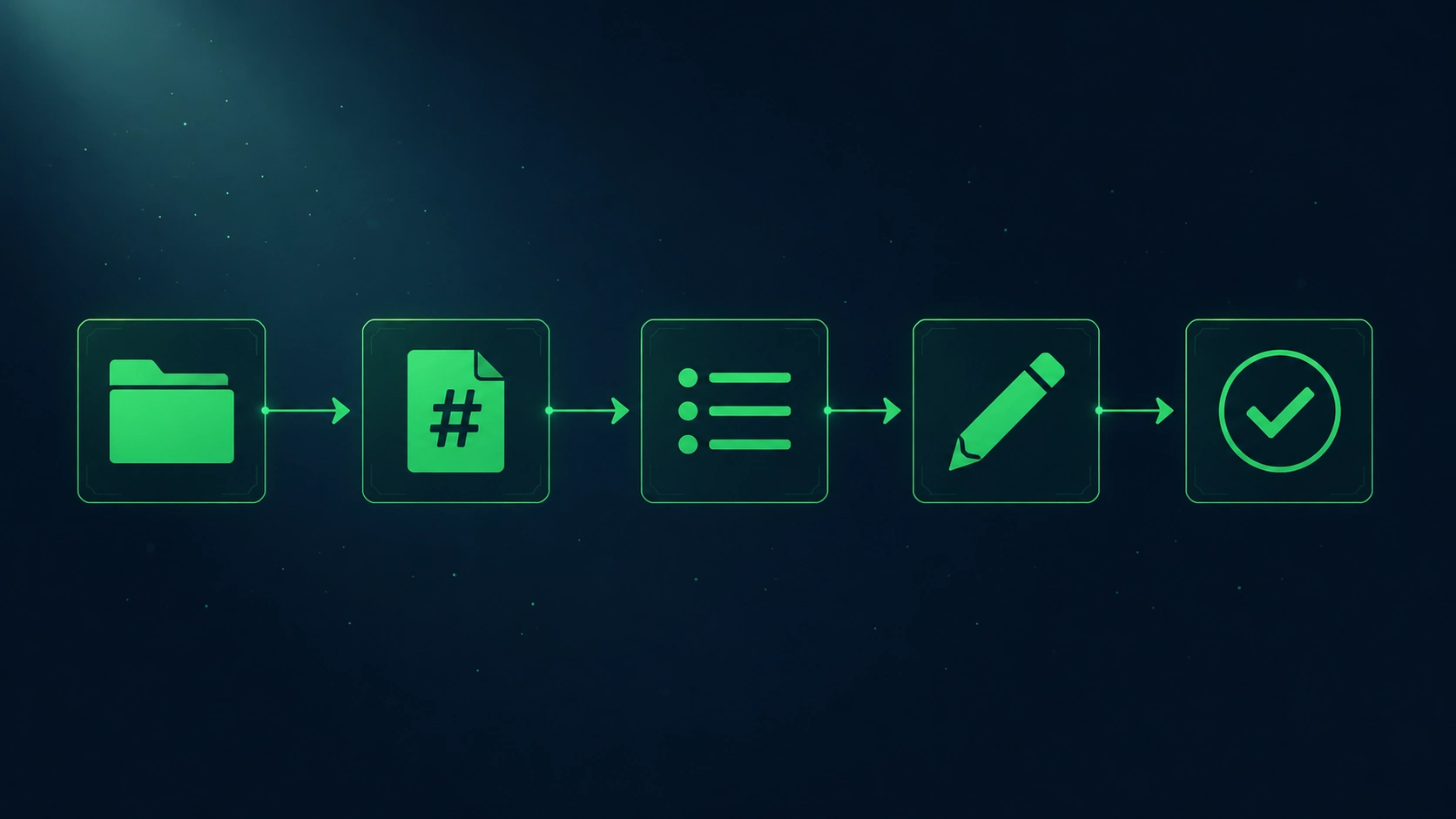
Here is the clean split:
| Use case | Examples | What blocking usually means |
|---|---|---|
| Search citation | OAI-SearchBot, Claude-SearchBot, PerplexityBot |
Lower chance of being shown or cited in those AI search products. |
| Training | GPTBot, ClaudeBot, Google-Extended token |
Signals that your content should not be used for stated training or model-development purposes. |
| User-requested fetch | ChatGPT-User, Claude-User, Perplexity-User |
May prevent an assistant from retrieving your page when a user explicitly asks. Rules may vary by operator. |
| Classic search | Googlebot, Bingbot |
Can affect normal search crawling, indexing, snippets, and discovery. |
OpenAI is explicit about the split: OAI-SearchBot is used to surface websites in ChatGPT search features, while GPTBot is used to crawl content that may be used in training. OpenAI also says ChatGPT-User is not used for automatic web crawling and that robots.txt rules may not apply because actions are user-initiated.
Google’s AI features doc creates a separate issue. For AI Overviews and AI Mode in Google Search, Google says the same SEO best practices apply, pages must be indexed and eligible for Google Search snippets, and site owners do not need new AI text files or special schema. It also says robots.txt directives for Googlebot are the control for Search crawling. Source: developers.google.com.
That means blocking Googlebot to avoid AI Overviews is usually self-defeating. You can use preview controls such as nosnippet, data-nosnippet, max-snippet, or noindex for Google Search display control, but those choices affect search visibility too.
For WordPress sites, the usual “citation only” policy is:
- allow normal search crawlers
- allow AI search crawlers
- block AI training crawlers
- keep private, paid, and account-only content behind authentication
- publish an AI-readable site brief in llms.txt
- make the underlying pages readable with semantic HTML for AI
Cloudflare’s managed AI block — how to disable it if you want citations
Cloudflare can block AI crawlers before WordPress or robots.txt ever gets involved. If you want citations, check Cloudflare first. A perfect robots.txt file does nothing if Cloudflare’s Bot settings, WAF custom rules, or AI Crawl Control block OAI-SearchBot, Claude-SearchBot, or PerplexityBot upstream.

Cloudflare has several overlapping controls now:
| Cloudflare control | What it does | Risk for AI visibility |
|---|---|---|
| Block AI Bots | Blocks verified AI crawlers and some unverified AI-like bots | Can block citation crawlers you intended to allow. |
| AI Crawl Control | Lets owners allow, block, or charge selected AI crawlers | Good, but rules can conflict with WAF or Bot settings. |
| WAF custom rules | Blocks traffic based on user-agent, IP, country, path, or threat score | Can silently block AI crawlers before your robots.txt decision matters. |
| Managed robots.txt | Cloudflare can serve or modify robots.txt instructions | Can differ from the file you think WordPress is serving. |
Cloudflare’s documentation says activating “Block AI bots” blocks verified bots classified as AI crawlers and a number of unverified bots with similar behavior. Source: developers.cloudflare.com.
If you use Cloudflare and want AI search citations, check these areas:
- Go to Security → Bots or the current Security Settings area.
- Look for Block AI Bots.
- Turn it off if your goal is to allow citation crawlers.
- Go to AI Crawl Control.
- Set citation crawlers such as OAI-SearchBot, Claude-SearchBot, and PerplexityBot to Allow.
- Keep training crawlers blocked if that is your policy.
- Review WAF custom rules for broad user-agent, ASN, country, or bot-score blocks.
- Test from server logs, not only from WordPress.
Cloudflare’s AI Crawl Control docs say owners can allow, block, or charge for each AI crawler. The same docs warn that if Block AI Bots is enabled, it can conflict with pay-per-crawl because Cloudflare Bot Solutions happen before AI Crawl Control’s pay-per-crawl step.
The short version: if you ask “how to allow ChatGPT to crawl my site,” do not start in WordPress. Start at the edge. Your CDN may be making the real decision.
The Content-Signals proposed standard
Content-Signals is a proposed robots.txt extension for expressing how automated systems may use content: search, AI input, and AI training. It adds purpose-based language that robots.txt lacks. It is useful as a public preference record, but it is not a universal enforcement layer.
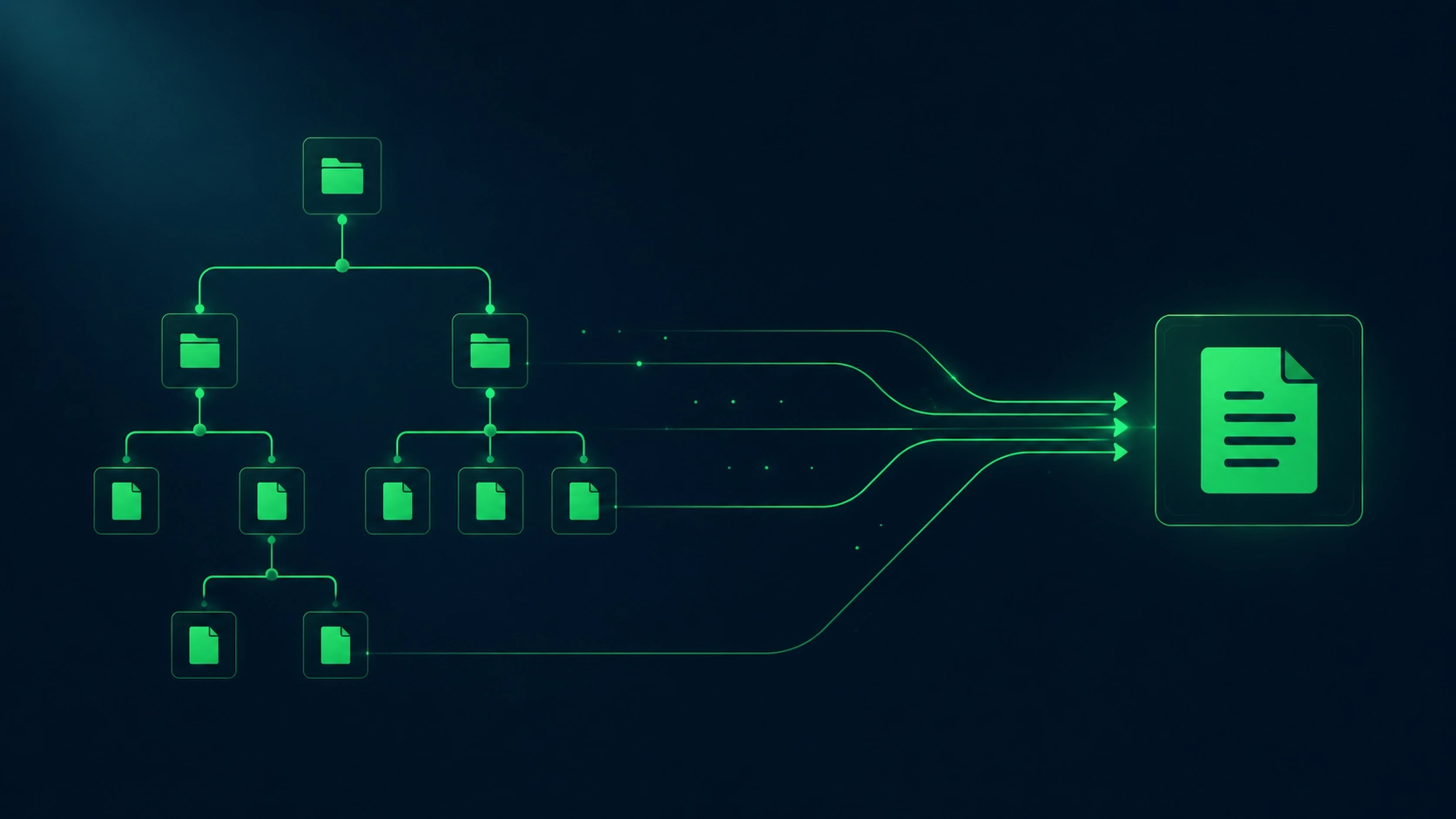
Cloudflare introduced the Content Signals Policy as comments and machine-readable signals inside robots.txt. The three stated signals are search, ai-input, and ai-train, with yes, no, or no expressed preference. Source: blog.cloudflare.com.
A simple version can look like this:
# Content Signals
# search: yes
# ai-input: yes
# ai-train: no
The idea is clear: let search-style discovery happen, allow real-time AI input if you accept that use, and say no to model training. That is closer to how publishers actually think.
But keep the limits in view:
- It is still emerging.
- Not every crawler will read it.
- It does not replace
Disallow. - It does not replace licensing language.
- It does not protect private content.
- It should be paired with WAF rules if enforcement matters.
A practical WordPress setup can use both:
User-agent: GPTBot
Disallow: /

User-agent: ClaudeBot
Disallow: /

User-agent: Google-Extended
Disallow: /

# Content Signals
# search: yes
# ai-input: yes
# ai-train: no
Use Content-Signals to state intent. Use robots.txt directives to guide compliant crawlers. Use Cloudflare, server rules, authentication, or licensing to enforce business decisions.
Sample robots.txt for each scenario
Your robots.txt should match your business model. A public documentation site may allow nearly everything. A publisher may allow citation bots but block training. A paywalled site may block most AI crawlers and negotiate access separately. Copying a generic ai crawler robots.txt file is risky.

Before editing, remember Google’s baseline warning: robots.txt manages crawler access; it is not a reliable way to keep pages private or out of search results. Google says robots.txt cannot enforce crawler behavior and may not be honored by all crawlers. Source: developers.google.com.
Scenario 1: Allow all AI bots
Use this when your content is public, you want maximum AI visibility, and you accept training use.
User-agent: *
Allow: /

Sitemap: https://example.com/sitemap_index.xml
This is simple, but it gives up control. For most commercial WordPress sites, this is not the best default.
Scenario 2: Allow citation, block training
Use this when you want ChatGPT, Claude, and Perplexity to cite or retrieve your public pages, but you do not want training crawlers to use the site.
# OpenAI: allow ChatGPT search, block training
User-agent: OAI-SearchBot
Allow: /

User-agent: GPTBot
Disallow: /

# OpenAI user-requested fetches
User-agent: ChatGPT-User
Allow: /

# Anthropic: allow Claude search and user fetches, block training
User-agent: Claude-SearchBot
Allow: /

User-agent: Claude-User
Allow: /

User-agent: ClaudeBot
Disallow: /

# Perplexity: allow citation/search crawler
User-agent: PerplexityBot
Allow: /

User-agent: Perplexity-User
Allow: /

# Google: keep Search, block Gemini training/grounding token where applicable
User-agent: Googlebot
Allow: /

User-agent: Google-Extended
Disallow: /

# Other crawlers
User-agent: *
Allow: /

Sitemap: https://example.com/sitemap_index.xml

# Content Signals
# search: yes
# ai-input: yes
# ai-train: no
This is the best starting point for many WordPress businesses asking about gptbot wordpress, claudebot wordpress, or how to block ChatGPT WordPress training access without disappearing from AI search.
Scenario 3: Block all named AI bots
Use this when content value, licensing, legal risk, or paywall economics matter more than AI citation visibility.
User-agent: OAI-SearchBot
Disallow: /

User-agent: GPTBot
Disallow: /

User-agent: ChatGPT-User
Disallow: /

User-agent: Claude-SearchBot
Disallow: /

User-agent: Claude-User
Disallow: /

User-agent: ClaudeBot
Disallow: /

User-agent: PerplexityBot
Disallow: /

User-agent: Perplexity-User
Disallow: /

User-agent: Google-Extended
Disallow: /

User-agent: *
Allow: /

Sitemap: https://example.com/sitemap_index.xml

# Content Signals
# search: no
# ai-input: no
# ai-train: no
This does not block Google Search because Googlebot remains allowed under User-agent: *. If you disallow Googlebot, expect normal search consequences.
Scenario 4: Block everything except normal search
Use this only if you want traditional search visibility and no AI-specific crawling.
User-agent: Googlebot
Allow: /

User-agent: Bingbot
Allow: /

User-agent: OAI-SearchBot
Disallow: /

User-agent: GPTBot
Disallow: /

User-agent: ChatGPT-User
Disallow: /

User-agent: Claude-SearchBot
Disallow: /

User-agent: Claude-User
Disallow: /

User-agent: ClaudeBot
Disallow: /

User-agent: PerplexityBot
Disallow: /

User-agent: Perplexity-User
Disallow: /

User-agent: Google-Extended
Disallow: /

User-agent: *
Disallow: /

Sitemap: https://example.com/sitemap_index.xml
Be careful with this one. Some helpful crawlers, SEO tools, social preview bots, uptime monitors, and partner integrations may also be blocked by the final User-agent: * Disallow: /.
WordPress-specific — when Yoast/Rank Math fight your robots.txt rules
WordPress can serve robots.txt from several layers: a virtual WordPress file, a physical server file, an SEO plugin editor, Cloudflare, or the host. When rules “do not work,” the problem is often not syntax. It is that you edited one layer while another layer served the public file.
Check the live file first:
https://example.com/robots.txtDo not rely on what the plugin screen says. Open the public URL in a private browser, then fetch it from the command line:
curl -I https://example.com/robots.txt
curl https://example.com/robots.txt
Yoast says WordPress generates a virtual robots.txt file if the site root does not contain a physical file, and that a physical robots.txt file can override the virtual file. Yoast also notes its file editor may not appear when WordPress file editing is disabled. Source: yoast.com.
Rank Math says it edits a virtual robots.txt file from the WordPress dashboard, and that users who prefer Rank Math’s editor need to delete the actual robots.txt file from the site root if one exists. Source: rankmath.com.
Common WordPress conflicts:
| Symptom | Likely cause | Fix |
|---|---|---|
| Plugin editor shows new rules, public URL shows old rules | Physical server file overrides virtual plugin file | Edit the physical file or remove it and use plugin output. |
| Public file changes, but AI bots still blocked | Cloudflare/WAF blocks before WordPress | Check Cloudflare Bot settings, WAF logs, and AI Crawl Control. |
| Sitemap line is wrong | SEO plugin changed sitemap URL | Use the live sitemap index from Yoast, Rank Math, SEOPress, or AIOSEO. |
| Rules vanish after deployment | Host or Git deployment overwrote file | Put robots.txt into the deployment source of truth. |
| Bot still crawls blocked paths | Bot may ignore robots.txt or use user-requested fetch | Add WAF enforcement or authentication for sensitive content. |
| Important pages are blocked | Overbroad Disallow rule |
Test exact URLs before publishing. |
For WordPress, do this before changing AI crawler rules:
- Save a copy of the current live robots.txt.
- Identify the source: physical file, plugin, host, CDN, or Cloudflare.
- Decide the policy: allow all, citation only, block all, or licensing.
- Add named AI bot rules above the generic
User-agent: *group. - Keep your sitemap line.
- Test important URLs.
- Check logs after 24–72 hours.
- Document the policy for future editors.
You can turn the selected policy into a draft with the free robots.txt Builder for AI, then verify the public result with the AI Bot Access Checker. Always review the generated rules against your live sitemap and private-content boundaries before publishing them.
robots.txt is only one part of AI visibility. Pair it with a clean llms.txt for WordPress, clear internal linking, page-level trust signals, and crawlable HTML. Aetos checks this across all 150 checks, including AI crawler access, llms.txt, structured data, indexability, and content clarity. Teams that audit sites often can compare the free audit with Aetos Pro and its current local-currency pricing.
FAQ
Should I block GPTBot?
Block GPTBot if you do not want OpenAI to use your site content for training generative AI foundation models. OpenAI separates GPTBot from OAI-SearchBot, so you can block GPTBot while still allowing ChatGPT search visibility through OAI-SearchBot.
How do I allow ChatGPT to crawl my site?
Allow OAI-SearchBot in robots.txt and make sure your CDN, WAF, and host do not block OpenAI’s published IP ranges. Do not rely on GPTBot for ChatGPT search visibility. OpenAI identifies OAI-SearchBot as the crawler for ChatGPT search results.
Should I allow ClaudeBot or Claude-SearchBot?
Allow Claude-SearchBot if you want your pages eligible for Claude search visibility. Block ClaudeBot if you do not want future site materials used for Anthropic model training. Anthropic also lists Claude-User for user-directed requests, which is a separate access case.
Does blocking Google-Extended remove me from Google Search?
No. Google says Google-Extended does not affect inclusion in Google Search and is not a Google Search ranking signal. It is a control token for whether content Google crawls may be used for Gemini model training and certain grounding uses.
Can robots.txt force AI companies to obey my rules?
No. robots.txt is public guidance for crawlers, not technical enforcement. Reputable bots usually honor it, but it cannot secure private content. Use authentication, server-side blocking, WAF rules, paywalling, or licensing controls when the content must not be accessed.
Where should robots.txt live on WordPress?
It should be available at the root URL: https://example.com/robots.txt. WordPress can generate a virtual file, SEO plugins can edit one, hosts can serve one, and CDNs can modify one. The live URL is the source of truth.
Want Aetos to check your robots.txt + 27 other AI-citation criteria automatically? Run the free AI-Readiness Audit — paste any URL, score in 30 seconds.