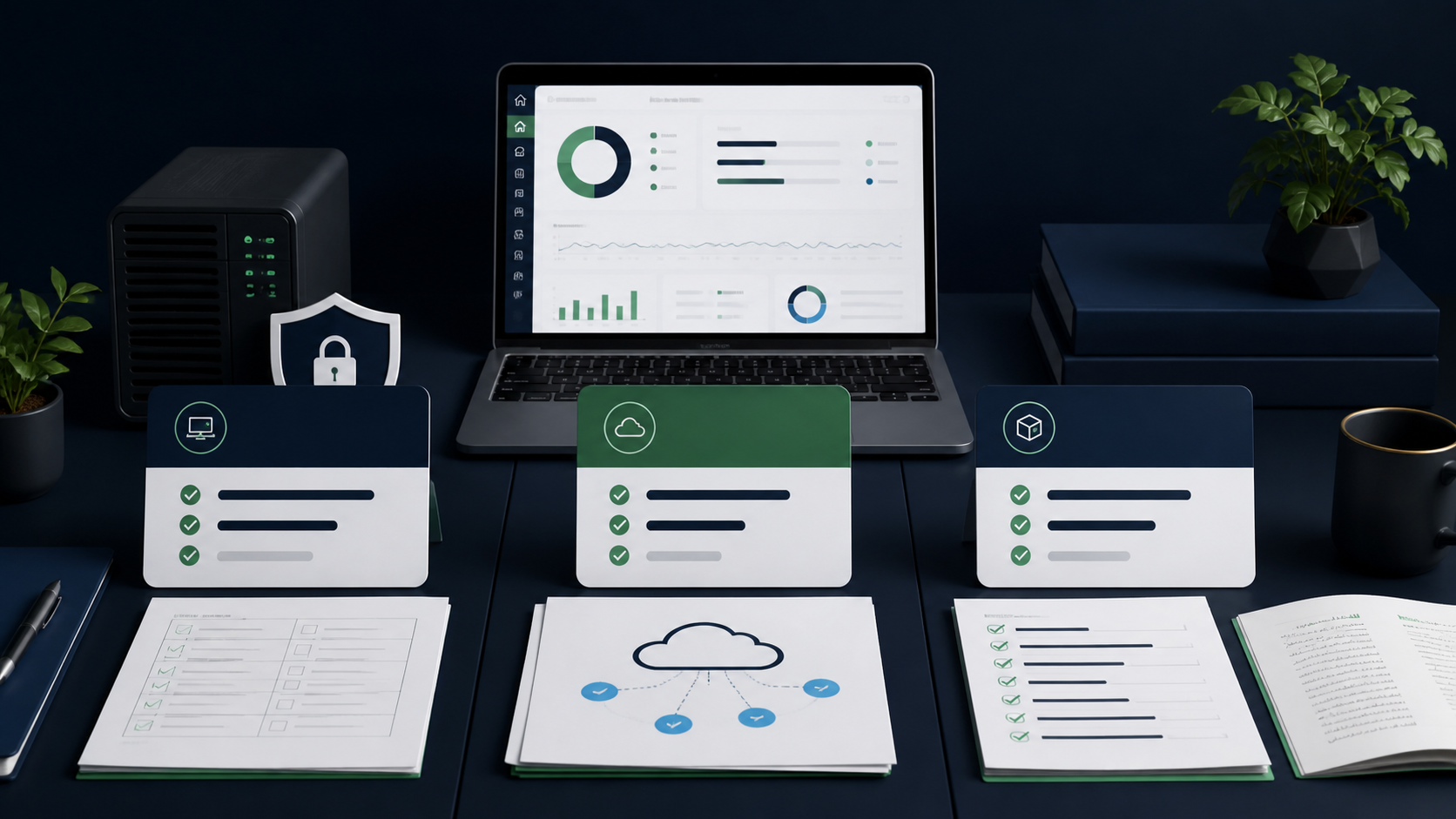


ChatGPT citation WordPress work starts with structure: direct answers, clean headings, quotable definitions, numbered steps, comparison tables, dated facts, visible sources, and clear authorship. AI engines do not cite vague pages because they “sound optimized.” They cite pages that are crawlable, specific, current, and easy to verify.
There is no public checklist that guarantees ChatGPT or Claude will cite your page. OpenAI says OAI-SearchBot is used to surface websites in ChatGPT search features, while Anthropic says Claude-SearchBot improves search result relevance and accuracy. That means discoverability matters, but the page still has to be worth selecting.
This guide gives WordPress teams seven content patterns that make a page easier for AI systems to parse, quote, and attribute. Use it with the AIO pillar guide, your robots.txt rules for AI bots, a clean llms.txt for WordPress, and semantic HTML for AI.
Pattern 1: concise answer paragraphs
A concise answer paragraph gives the full answer before the explanation. Put it immediately under the H1 and under every important H2. Aim for 40–80 words. The paragraph should define the topic, answer the search intent, and include the key condition or caveat without sounding like a meta description.
Bad answer paragraph:
AI citations are very important for modern websites. Businesses should optimize their content for AI tools to get more visibility and improve their digital presence.
Better answer paragraph:
Citation-friendly WordPress content answers the question in the first paragraph, then supports the answer with steps, tables, sources, dates, and author context. This structure helps AI search systems identify what the page says, when it applies, and whether it is safe to cite.
The second version works because it gives a usable answer. A human can understand it. An AI system can extract it. An editor can quote it without rewriting the whole section.
For WordPress, build this into your editing rules:
- Add a 40–80 word answer under the H1.
- Add a 40–80 word answer under every major H2.
- Make each answer self-contained.
- Avoid “this article will cover” phrasing.
- Put caveats in the answer, not 600 words later.
Google’s AI features guidance says content should be available in textual form, crawlable, internally findable, and supported by normal SEO fundamentals. That does not mean “write for robots.” It means the best answer should not be hidden inside vague introductions, tabs, scripts, or thin templates.
Pattern 2: definition blocks
A definition block is a short, exact explanation of one concept. It works best for “what is,” “meaning,” “difference between,” and “does X matter?” queries. The first sentence should define the term. The second sentence should say what it is not, or when it matters.
Example:
AI citation optimization is the process of making content easier for answer engines to find, understand, verify, and cite. It is not a replacement for SEO; it sits on top of crawlability, indexability, helpful content, structured data, and clear site architecture.
Use definition blocks for entities that AI systems need to disambiguate:
| Term | Definition block should clarify |
|---|---|
| ChatGPT citations | Whether the content is surfaced through ChatGPT search, user browsing, or another OpenAI surface. |
| Claude citations | Whether the content is found through Claude search or user-directed retrieval. |
| AIO | Whether you mean AI Optimization, not “all-in-one SEO.” |
| llms.txt | Whether it is a site brief, not a crawler control file. |
| robots.txt | Whether it controls crawler access, not citation quality. |
This pattern matters because vague language creates weak entity signals. If a page uses “AI visibility,” “AI SEO,” “GEO,” and “AIO” interchangeably without defining them, it becomes harder to understand what the page is actually about.
In WordPress, use a simple reusable block:
**[Term]** is [plain-English definition]. It matters when [use case]. It is not [common confusion].Then link internally to the deeper page. For example, define llms.txt in one paragraph and link to the full llms.txt for WordPress guide instead of explaining the whole topic again.
Pattern 3: numbered lists win snippets
Numbered lists work when the user wants a process, sequence, checklist, or decision path. AI systems can lift a numbered list more cleanly than a long paragraph because each step has a boundary. The trick is to make every step specific enough to stand alone.
Bad list:
- Research your topic.
- Write good content.
- Add keywords.
- Publish the page.
- Improve it later.
Better list:
- Identify the exact question the page should answer.
- Write a 40–80 word answer under the H1.
- Add H2s for definitions, steps, comparisons, examples, and mistakes.
- Support dated claims with named sources and visible links.
- Add a byline, reviewed date, author bio, and Article schema.
- Check robots.txt so citation crawlers can access the page.
- Add the page to
/llms.txtonly if it is a cornerstone source.
The second list gives a system something useful to quote. It also gives the reader a real workflow.
For WordPress, numbered lists are especially useful in:
- how-to posts
- setup guides
- plugin comparisons
- audit checklists
- migration steps
- troubleshooting guides
- buying criteria
- policy decisions
Use ordered lists when sequence matters. Use bullet lists when sequence does not matter. Do not fake a numbered list just to look snippet-friendly.
For HowTo content, consider HowTo schema only when the page truly contains steps a user can complete. Google’s structured data documentation says structured data helps Google understand page content, but the markup must match visible content on the page.
Pattern 4: comparison tables
Comparison tables help AI systems and readers resolve choices. Use them when the query includes “vs,” “best,” “which,” “difference,” “pricing,” “tools,” or “pros and cons.” The table should compare criteria, not repeat marketing labels.
Weak comparison table:
| Tool | Rating |
|---|---|
| Tool A | 10/10 |
| Tool B | 9/10 |
| Tool C | 8/10 |
Useful comparison table:
| Content pattern | Best for | Avoid when |
|---|---|---|
| Answer paragraph | Definition, recommendation, quick explanation | The topic needs legal, medical, or technical nuance. |
| Numbered list | Steps, setup, troubleshooting, workflows | The items are not sequential. |
| Comparison table | Choosing between tools, tactics, or policies | You cannot define fair criteria. |
| Source-backed facts | Current claims, pricing, policies, stats | You cannot verify the fact. |
| Author byline | Trust, YMYL topics, expert content | The author has no relevant context or bio. |
A good table has three traits:
- Clear criteria. The left column should contain the decision factor.
- Short cells. A table full of paragraphs is just bad layout.
- A takeaway. Follow the table with one paragraph explaining what to choose.
For a WordPress post, tables often break on mobile if the theme is sloppy. Test the table on a phone before publishing. If the table is too wide, split it into two smaller tables or use shorter column labels.
Comparison tables are not just design elements. They are extraction elements. They turn a messy choice into structured text.
Pattern 5: dated facts with sources
Dated facts are safer to cite because the reader can tell when the claim was true. Use dates for crawler policies, pricing, product features, legal rules, medical guidance, rankings, market data, plugin features, and any claim likely to change. A fact without a date can look stale even when it is accurate.
Bad:
ChatGPT uses several bots to access websites.
Better:
As of May 10, 2026, OpenAI documents OAI-SearchBot for ChatGPT search, GPTBot for training-related crawling, OAI-AdsBot for ad landing-page checks, and ChatGPT-User for user-triggered actions. OpenAI says OAI-SearchBot and GPTBot can be controlled independently in robots.txt.
For Claude:
As of April 7, 2026, Anthropic documents ClaudeBot for model-development crawling, Claude-User for user-directed retrieval, and Claude-SearchBot for improving search result quality. Anthropic says disabling Claude-SearchBot may reduce visibility and accuracy in user search results.
That is much more citeable than “Claude has crawlers.”
Use this format in WordPress:
As of [date], [source] says [specific claim]. This matters because [reader impact].For volatile content, add a review note:
Last reviewed: May 10, 2026. Recheck crawler documentation before editing production robots.txt.Dated facts are especially important when writing about:
- AI crawler names
- robots.txt policies
- Google AI features
- plugin pricing
- schema eligibility
- legal or compliance claims
- medical and financial topics
- platform documentation
- product limits
Google’s AI features documentation says no special AI text file or special schema is required for AI Overviews or AI Mode, and that pages must be indexed and eligible to show a snippet to appear as supporting links. That is the kind of claim you should source because the guidance can change.
Pattern 6: author bylines + E-E-A-T
Author context helps readers and machines understand who is responsible for the page. Add a visible byline, author bio, reviewed date, update date, and Article schema. For sensitive topics, add reviewer credentials or editorial policy links. Trust is not a badge; it is evidence on the page.
Google’s helpful content guidance says readers should be able to understand who created the content, and it strongly encourages accurate authorship information such as bylines where readers expect them. It also says trust is the most important part of E-E-A-T, especially for YMYL topics.
For WordPress, the minimum byline pattern is:
By [Author Name]
Reviewed by [Reviewer Name, if needed]
Updated: [Date]
Editorial process: [link to policy]
Then make the author name link to a real bio page with:
- role
- relevant experience
- subject areas
- selected work
- credentials if relevant
- social or professional profiles
- disclosure of AI assistance if substantial
WordPress supports author presentation through theme templates and blocks. The WordPress Post Author block displays the author username, avatar, and byline, and can link the author name to the author page.
Add Article or BlogPosting schema where appropriate. Google’s Article structured data guidance recommends properties such as author, author URL, dateModified, datePublished, headline, and image to help Google understand articles and show better title, image, and date information in search results.
Do not fake E-E-A-T. A made-up reviewer, fake “expert checked” badge, or generic author page is worse than no signal. The page should make responsibility clear.
Pattern 7: the mistakes that lose citations
The fastest way to lose AI citations is to make a page hard to crawl, hard to quote, or hard to trust. Long intros, vague claims, missing dates, weak sources, blocked bots, hidden content, duplicate posts, and anonymous bylines all reduce the page’s usefulness as a citation source.
Here are the mistakes to fix first:
| Mistake | Why it hurts citations | Better pattern |
|---|---|---|
| Long intro before the answer | The answer is buried. | Put a 40–80 word answer under the H1. |
| Vague claims | There is nothing specific to cite. | Use precise definitions, examples, and limits. |
| No sources for changing facts | The claim is hard to verify. | Add dated, named sources. |
| No byline or author page | Responsibility is unclear. | Add author, reviewer, bio, and update date. |
| JavaScript-only main content | Crawlers may miss or delay parsing. | Keep important content in HTML text. |
| Blocked AI search bots | The page may not be eligible for some AI search surfaces. | Review robots.txt rules for AI bots. |
| Thin FAQ | Looks like filler. | Answer real follow-up questions. |
| Tables used as decoration | No decision value. | Compare actual criteria. |
| Keyword stuffing | Reduces readability and trust. | Use natural language and entities. |
Stale pages in /llms.txt |
Sends AI systems to weak sources. | Keep /llms.txt curated and current. |
The biggest mistake is optimizing the wrong layer. A page can have a perfect title tag and still be uncitable. A page can have schema and still be vague. A page can be in /llms.txt and still fail because the content itself has no extractable answer.
Run this quick audit before publishing:
- Is the direct answer visible in the first screen?
- Does every H2 start with a useful answer paragraph?
- Are definitions short and exact?
- Are steps numbered when sequence matters?
- Are comparisons in tables with clear criteria?
- Are dated claims sourced?
- Is the author or reviewer visible?
- Is the page crawlable by the AI search bots you want?
- Is the page included in
/llms.txtonly if it is truly important? - Would a human editor quote this page without rewriting it?
Aetos checks these issues across all 150 checks, including crawler access, llms.txt, semantic structure, content clarity, source signals, and AI-citation criteria. The goal is not to trick ChatGPT or Claude. The goal is to publish pages that deserve to be cited.
FAQ
Can I force ChatGPT or Claude to cite my WordPress page?
No. You cannot force ChatGPT, Claude, Perplexity, or Google AI features to cite a page. You can improve the odds by making the page crawlable, source-backed, well structured, and easy to quote. Citation-friendly content helps retrieval systems understand and select your page, but citations are never guaranteed.
What is the best structure for ChatGPT citation content?
Start with a direct answer, then use definition blocks, numbered steps, comparison tables, dated facts with sources, author details, and clear internal links. Each section should answer one search intent on its own. Avoid making the reader or AI system infer the answer from a long narrative.
Do FAQ sections help AI citations?
FAQ sections help only when the questions are real and the answers add something new. A weak FAQ repeats the article in slightly different words. A strong FAQ answers follow-up questions, clarifies limits, and gives compact, source-backed answers that can stand alone.
Should I use schema for ChatGPT and Claude citations?
Use schema because it helps machines understand the page, especially Article, Organization, BreadcrumbList, FAQPage, and HowTo where appropriate. Do not expect schema alone to win citations. The visible page still needs clear text, useful headings, accurate dates, and credible sources.
How long should a citation-friendly answer paragraph be?
A practical answer paragraph is usually 40–80 words. That is long enough to give context, but short enough to extract cleanly. Put the answer immediately under the H1 or H2, then use the rest of the section for examples, steps, caveats, and supporting evidence.
What do AI engines ignore?
AI engines tend to ignore or avoid content that is vague, outdated, unsupported, hidden behind scripts, blocked by robots.txt, buried in long introductions, duplicated across pages, or written without clear authorship. The biggest mistake is making a page look optimized while giving it nothing specific to cite.
Want Aetos to check whether your WordPress content is citation-friendly? Run the free AI-Readiness Audit — paste any URL, score in 30 seconds.